> For the complete documentation index, see [llms.txt](https://kinemation.gitbook.io/scriptable-animation-system/llms.txt). Markdown versions of documentation pages are available by appending `.md` to page URLs; this page is available as [Markdown](https://kinemation.gitbook.io/scriptable-animation-system/fundamentals/animator-layers/look-layer.md).
# Look Layer
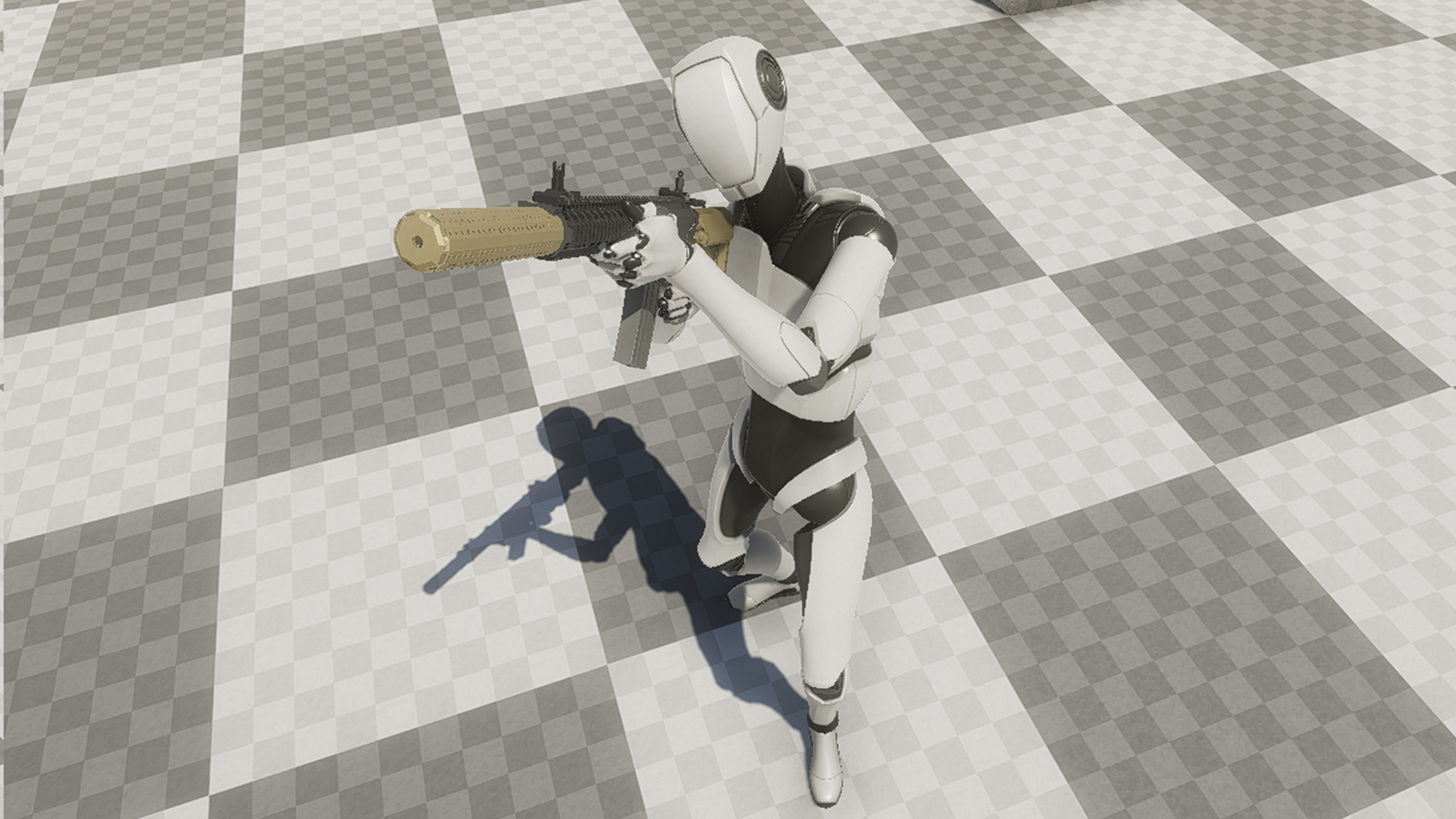
Simple look around and leaning.
## Description
**Look Layer** replaces [**Blend Trees**](https://docs.unity3d.com/Manual/class-BlendTree.html) when it comes to looking around. It procedurally rotates bones of your character to make it look around. The layer supports all rotation axes.
## Properties
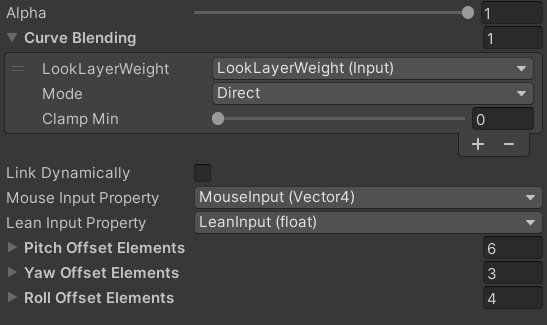
* Mouse Input Property: what input Vector4 value will be controlling the Pitch and Yaw input.
* Lean Input Property: what value will be controlling leaning angle.
* Pitch/Yaw/Roll Offset Elements: what bones will be applying Pitch/Yaw/Roll rotations.
**Pitch** represents rotation around the X axis or up/down motion.
**Yaw** represents rotation around the Y axis or right/left motion.
**Roll** represents rotation around the Z axis or leaning motion.